Friday, October 10, 2008

»» Corel Draw Text Effects

1. Contoured Text

2. Cracked Text


3. Ray Effect


4. Splash


»» Photoshop Brushes - Part 2

1. Starfield brush


Read More

2. Coffee

3. Unreal Brushes


4. Unreal Brushes v.3

Poster Design: Echo for the World


Echo for the World
Originally uploaded by GraphicIdentity
Here is my design submission for Big Typography Contest launched at MyInkBlog.
I don't know if Andrew Houle would accept this entry :P, since this is the last day to submit the design poster for this contest.

I just want to come with simple typography, so for me... ARIAL ruleeeeeeees! :D

You can also enjoy amazing posters from various designers at Big Typography Contest Flickr Group and don't forget to shout comments there!

Thursday, October 9, 2008

»» Corel Draw Tutorials - Part 3

Here in this post we will see about some Corel Draw Tutorials....

1.
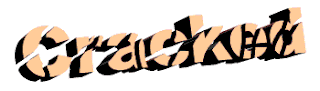
Creating a Cracked Text Effect
This tutorial will demonstrate how you can create a Cracked Text effect. They used Corel DRAW! 8.0 for Windows for this technique. Some things may be done differently with other versions.
2. Creating Distressed Text
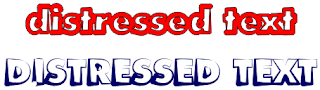
Distressed text can take on many shapes and sizes, obviously. However, most of the distressed text effects one sees are usually either various texture effects to text in bitmap applications or they're fonts that are already distressed.
3. Making a car look in motion
This effect is really nice, just check it out....

4. Gold Text Effect
Gold effect is superb, especially that shining effect...



»» Photoshop Text Effects

1. Transparent Glass Lettering

2. Simple dark but vivid text effect

3. Dramatic Text on Fire Effect

4. Smooth Glass Type


Featured Post

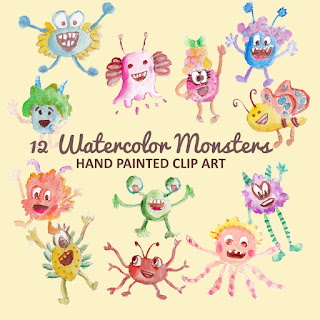
Monster Illustration Vectors that Work

Not all monsters are scary and we can apply them in a design composition or illustration. You may want to search bunch of new created monst...