
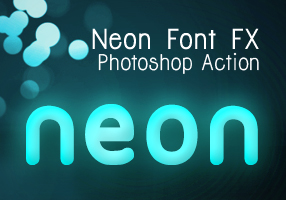
 Recently I followed a cool screencast tutorial on Abduzeedo.com : Super Easy Neon Style in Photoshop and gave a quick try.
 The final result is beautiful and I like the possibility in adjusting colors before and after you hit the play button on Photoshop Actions panel. Actually it was a very easy tutorial, which I am sure everyone can easily follow just like I did. But with the series of settings on the tutorial, which you may miss them in some points to produce the neon font effect make me think to create a set of Photoshop Actions. I made 3 variants after I played a bit with the settings from that tutorial and now you can download it for free.
See the demo-screencast below to use the photoshop action. Feel free to ask me questions or send feedbacks via our comment form.
Read More


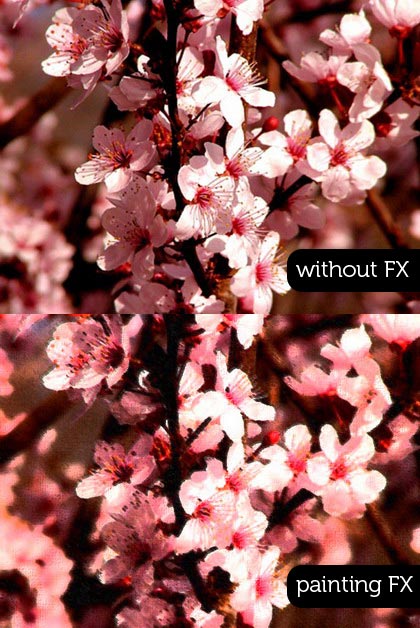
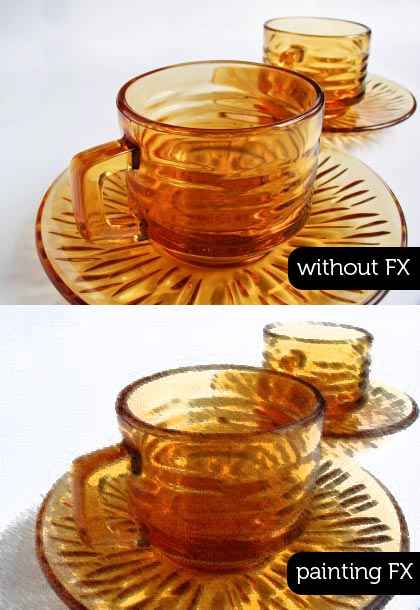
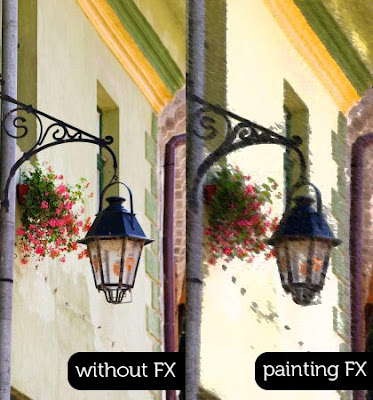

You can read our previous tutorial if you don't know what photoshop action is and how to install it: Graphic Identity Photoshop Action.
All of Graphic Identity's 'Free Design Box' files are FREE (for personal or commercial use). But please read: Legal Usage to employ Graphic Identity's 'Free Design Box' files before you decide to download the files.
Graphic Identity - Neon Font FX.zip (169.54 KB)
Related Post: